Drones, cameras & phones that work with Drone LUTs
Short answer: all of them. Find yours to see which colour profiles it shoots and how to get our looks onto its footage.
Showing all 35
-
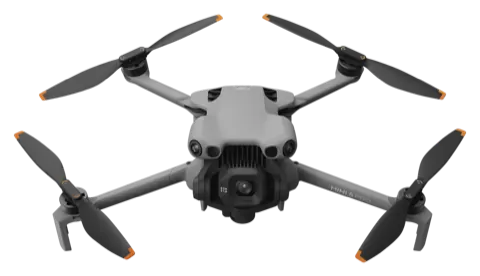
Drone · 2023 DJI Mini 4 Pro NormalHLGD-Log M Log: convert D-Log M first
-
Drone · 2025 DJI Mini 5 Pro NormalHLGD-Log M Log: convert D-Log M first
-
Drone · 2024 DJI Air 3S NormalHLGD-Log M Log: convert D-Log M first
-
Drone · 2024 DJI Mini 4K Normal No log: apply looks directly
-
Drone · 2022 DJI Mini 3 Pro NormalD-Cinelike Log: convert D-Cinelike first
-
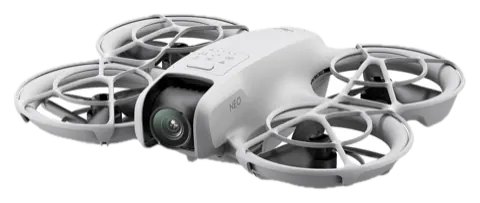
Drone · 2024 DJI Neo Normal No log: apply looks directly
-
Drone · 2022 DJI Mini 3 Normal No log: apply looks directly
-
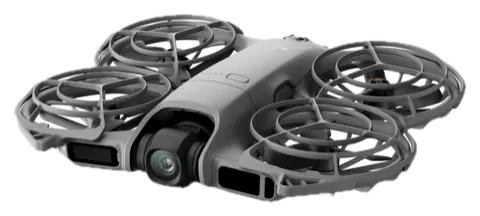
Drone · 2024 DJI Avata 2 NormalD-Log M Log: convert D-Log M first
-
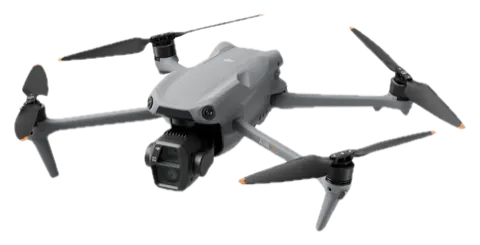
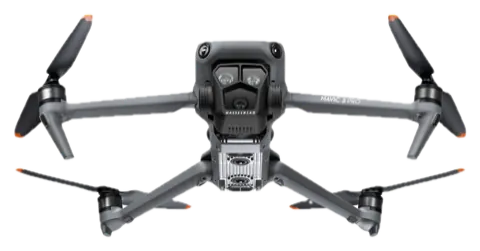
Drone · 2023 DJI Mavic 3 Pro NormalHLGD-LogD-Log M Log: convert D-Log or D-Log M first
-
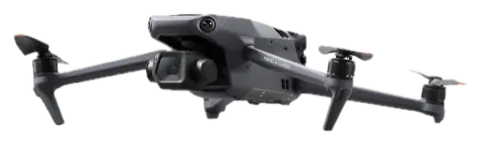
Drone · 2025 DJI Mavic 4 Pro NormalHLGD-LogD-Log M Log: convert D-Log or D-Log M first
-
Drone · 2023 DJI Air 3 NormalHLGD-Log M Log: convert D-Log M first
-
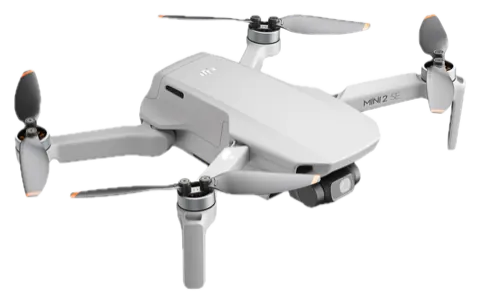
Drone · 2020 DJI Mini 2 & Mini 2 SE Normal No log: apply looks directly
-
Drone · 2021 DJI Air 2S NormalHLGD-Log Log: convert D-Log first
-
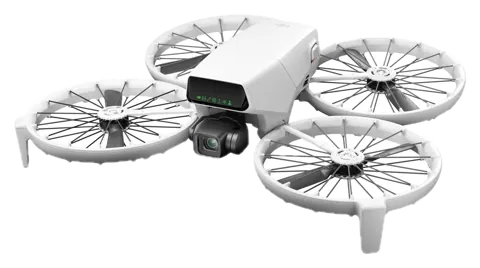
Drone · 2025 DJI Flip NormalD-Log M Log: convert D-Log M first
-
Drone · 2022 DJI Mavic 3 Classic NormalHLGD-LogD-Log M Log: convert D-Log or D-Log M first
-
Drone · 2025 DJI Neo 2 Normal No log: apply looks directly
-
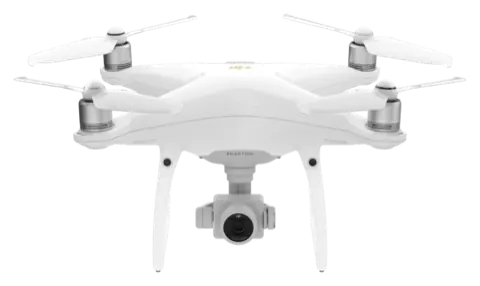
Drone · 2018 DJI Phantom 4 Pro V2.0 NormalD-Log Log: convert D-Log first
-
Drone · 2023 DJI Inspire 3 NormalD-LogRAW Log: convert D-Log or RAW first
-
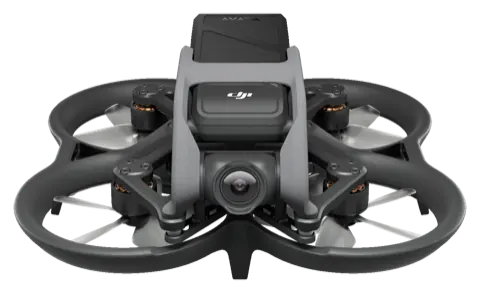
Drone · 2022 DJI Avata NormalD-Cinelike Log: convert D-Cinelike first
-
Drone · 2022 Autel EVO II Pro V3 NormalA-Log Log: convert A-Log first
-
Camera · 2023 DJI Osmo Pocket 3 NormalHLGD-Log M Log: convert D-Log M first
-
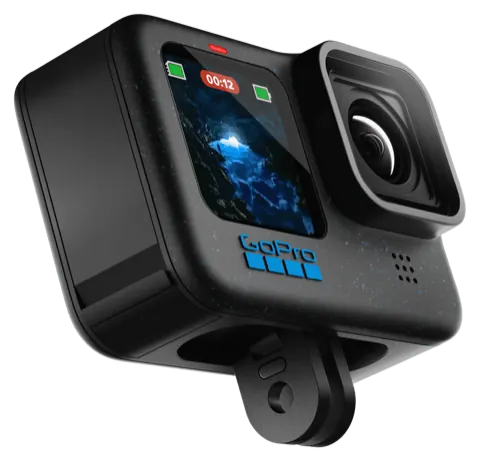
Camera · 2024 GoPro HERO13 Black NaturalVibrantFlatGP-LogHLG HDR Log: convert GP-Log first
-
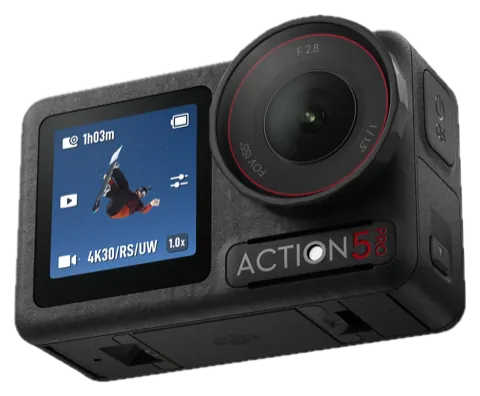
Camera · 2024 DJI Osmo Action 5 Pro NormalHLGD-Log M Log: convert D-Log M first
-
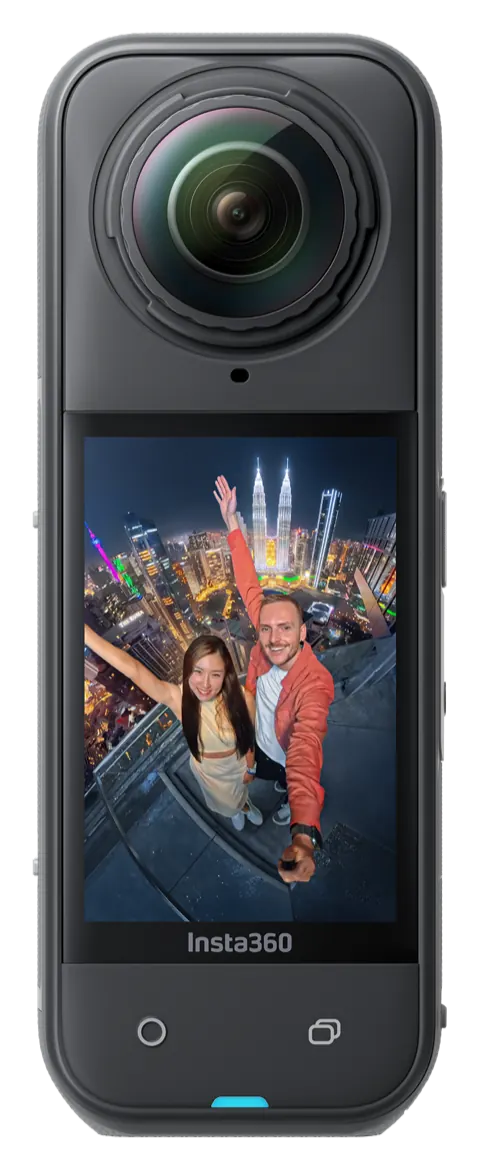
Insta360Camera · 2025 Insta360 X5 StandardVividI-Log Log: convert I-Log first
-
Camera · 2023 GoPro HERO12 Black NaturalVibrantFlatGP-LogHLG HDR Log: convert GP-Log first
-
Camera · 2025 DJI Osmo Action 6 NormalD-Log M Log: convert D-Log M first
-
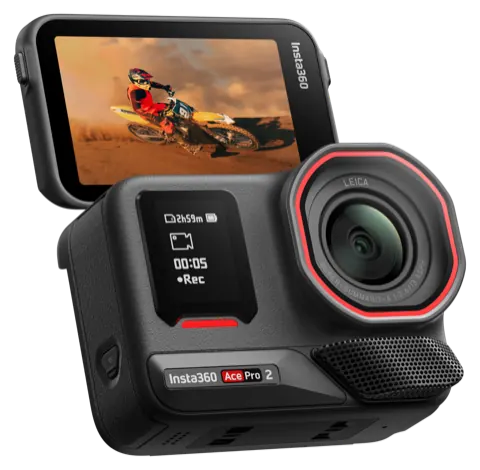
Insta360Camera · 2024 Insta360 Ace Pro 2 StandardVividI-Log Log: convert I-Log first
-
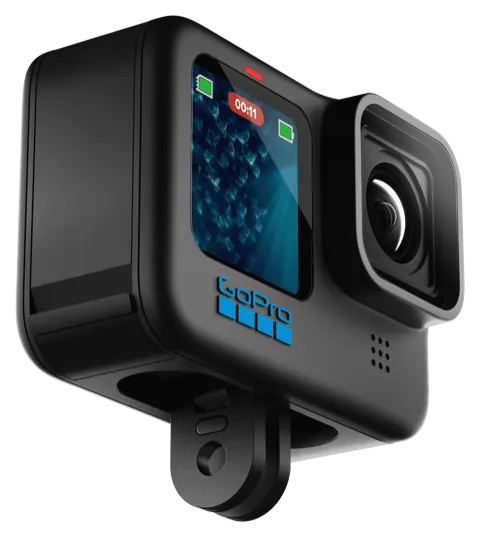
Camera · 2022 GoPro HERO11 Black NaturalVibrantFlat Log: convert Flat first
-
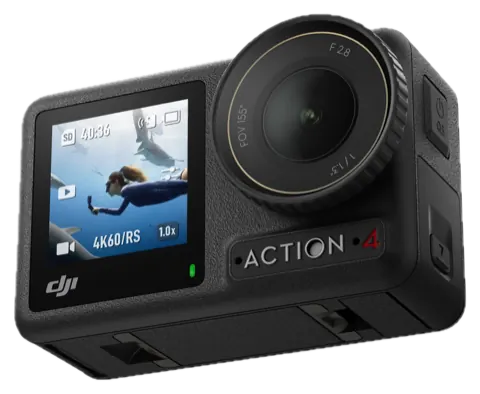
Camera · 2023 DJI Osmo Action 4 NormalD-Log M Log: convert D-Log M first
-
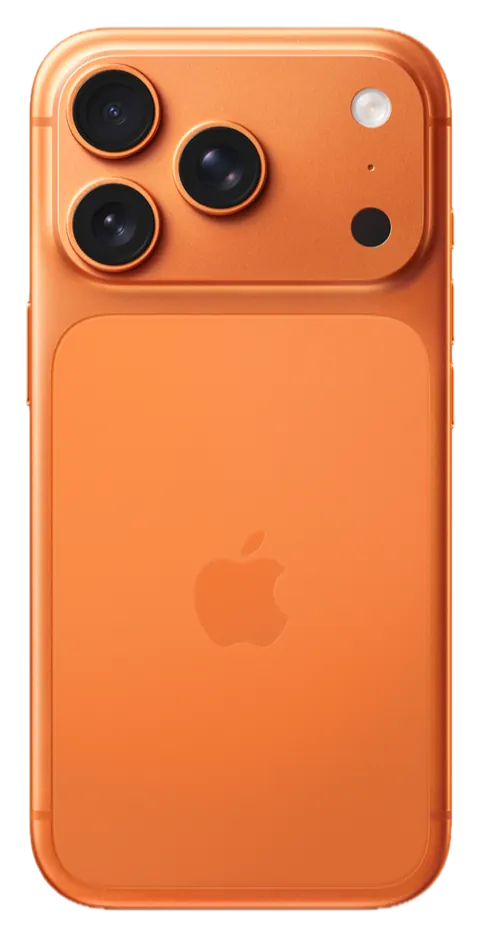
ApplePhone · 2023 iPhone 15 Pro, 16 Pro & 17 Pro SDRHDR (Dolby Vision)Apple Log Log: convert Apple Log first
-
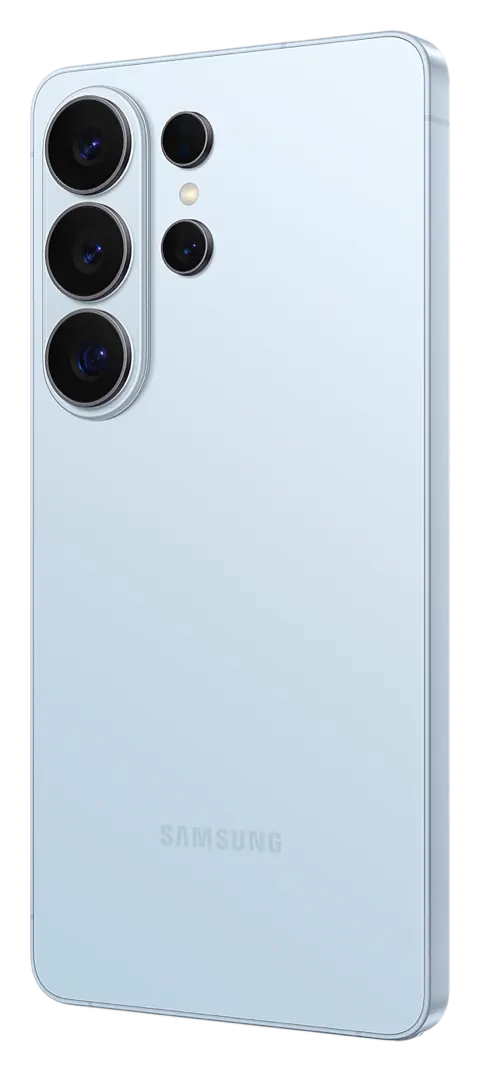
Phone · 2026 Samsung Galaxy S26 Ultra StandardHDR10+Log Log: convert Log first
-
GooglePhone · 2026 Google Pixel 11 Pro SDR10-bit HDR No log: apply looks directly
-
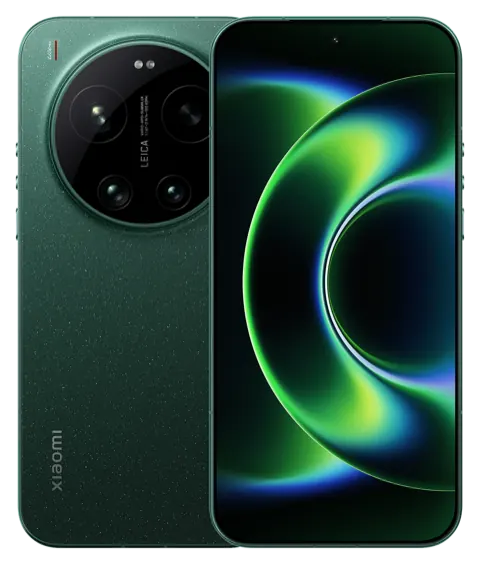
XiaomiPhone · 2026 Xiaomi 17 Ultra StandardHDRLog Log: convert Log first
-
Phone · 2026 vivo X300 Ultra StandardLog Log: convert Log first
-
Phone · 2026 OPPO Find X9 Ultra StandardDolby VisionO-Log2 Log: convert O-Log2 first
No match for “”, but it will still work
We have not written a guide for that one yet (we have noted your search). Drone LUTs work with footage from any drone, camera or phone, as long as you follow one rule:
- Normal, Standard or other non-log footage: apply the look directly.
- Log footage (D-Log, D-Log M, GP-Log, Flat, I-Log, S-Log3, Apple Log, Samsung Log, O-Log2, V-Log, C-Log…): convert it to Rec.709 with your camera maker's free conversion LUT or your editor's colour management, then add the look. More on conversion LUTs.
Highlighted = a log profile, which needs converting to Rec.709 before the look. Specs checked October 1, 2026 against the makers' spec pages. Product images: the makers, except where a model's page credits another source.
Not on the list? It will still work
A LUT only changes colour, so it does not care what recorded the clip. Drone LUTs work with footage from almost any drone, action camera, mirrorless or cinema camera, and phone: Autel, Potensic, Holy Stone, Parrot, Skydio and HoverAir drones; Sony, Canon, Nikon, Panasonic, Fujifilm, Blackmagic, RED and ARRI cameras; iPhone, Samsung, Pixel, Xiaomi, OPPO and vivo phones. The Lightroom presets work on any photo Lightroom can open: RAW, DNG, JPEG or HEIC.
There is one rule:
- Normal, Standard or other non-log footage: apply the look directly.
- Log footage (D-Log, D-Log M, GP-Log, Flat, I-Log, S-Log3, Apple Log, Samsung Log, O-Log2, V-Log, C-Log…): convert it to Rec.709 with your camera maker's free conversion LUT or your editor's colour management, then add the look. More on conversion LUTs.
Both packs include a UTILITY folder with conversion LUTs for the original DJI D-Log (Phantom 4, Mavic Pro and generic D-Log), GoPro Protune and generic flat footage. For D-Log M, HLG and other log formats, use the free conversion LUT your camera maker publishes, or your editor's colour management.
Any resolution works, from 1080p phone clips to 8K, at any frame rate. Not sure about your setup? Ask us before you buy.
Ready to make your footage look cinematic?
From $19.99 · instant download