Drone LUT & Lightroom preset
Drone HDR
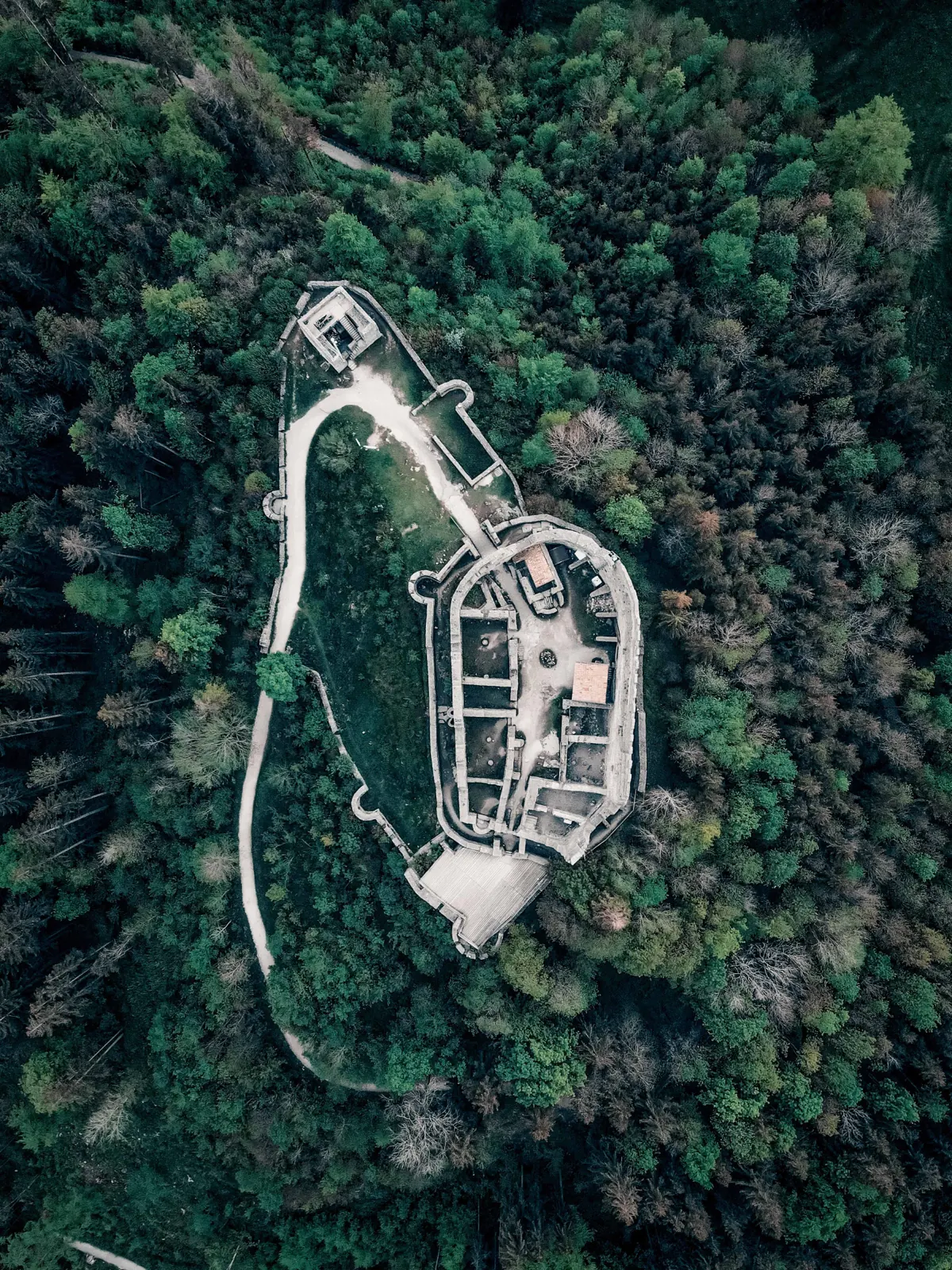
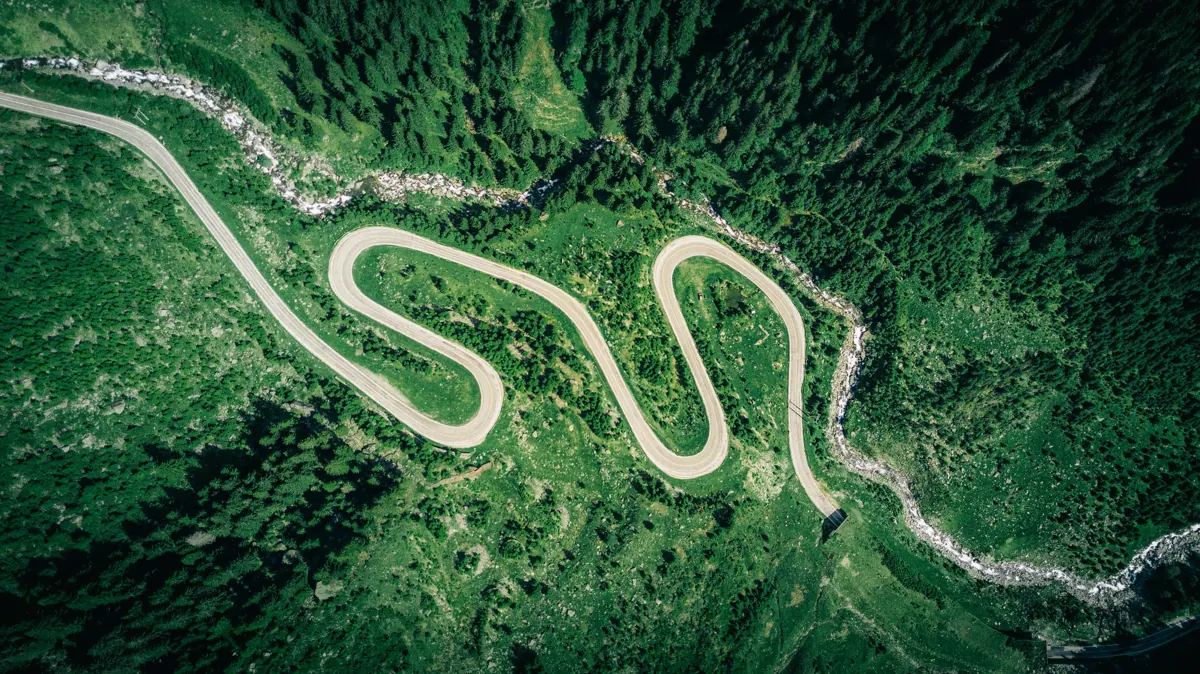
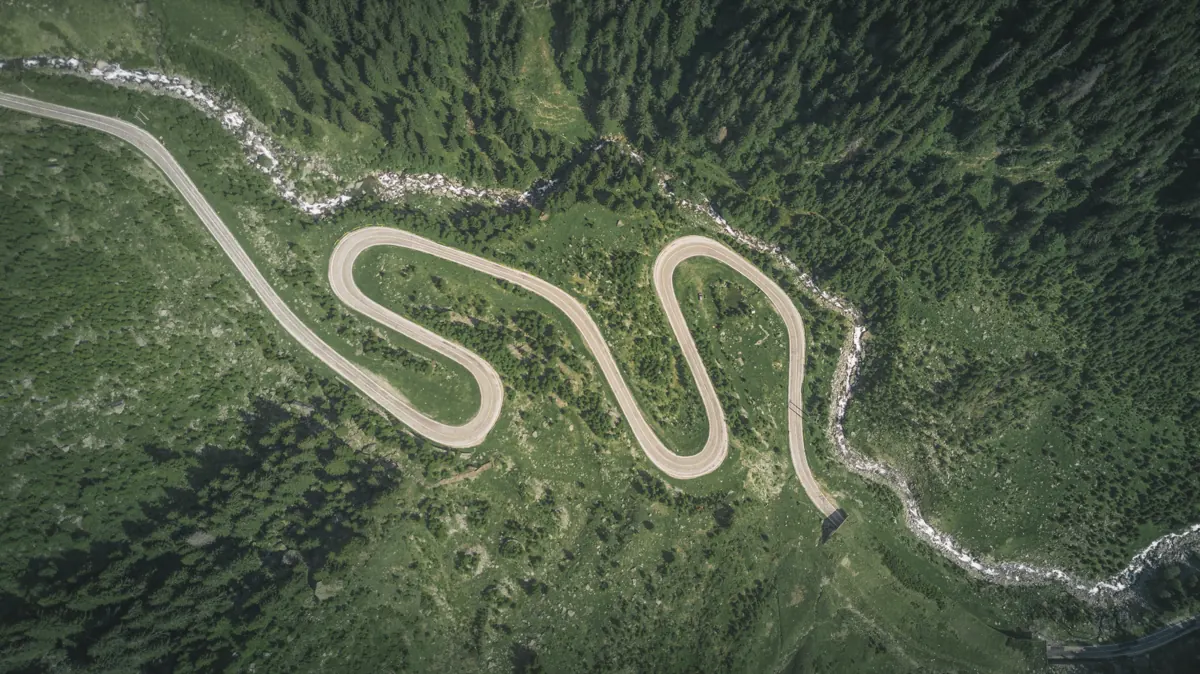
Drone HDR adds strong contrast and detail. Greens get deeper and darker, textures stand out, and forests, winding roads and villages seen from above look sharp and dramatic.

Best for
- Forests and tree canopies
- Serpentine mountain roads
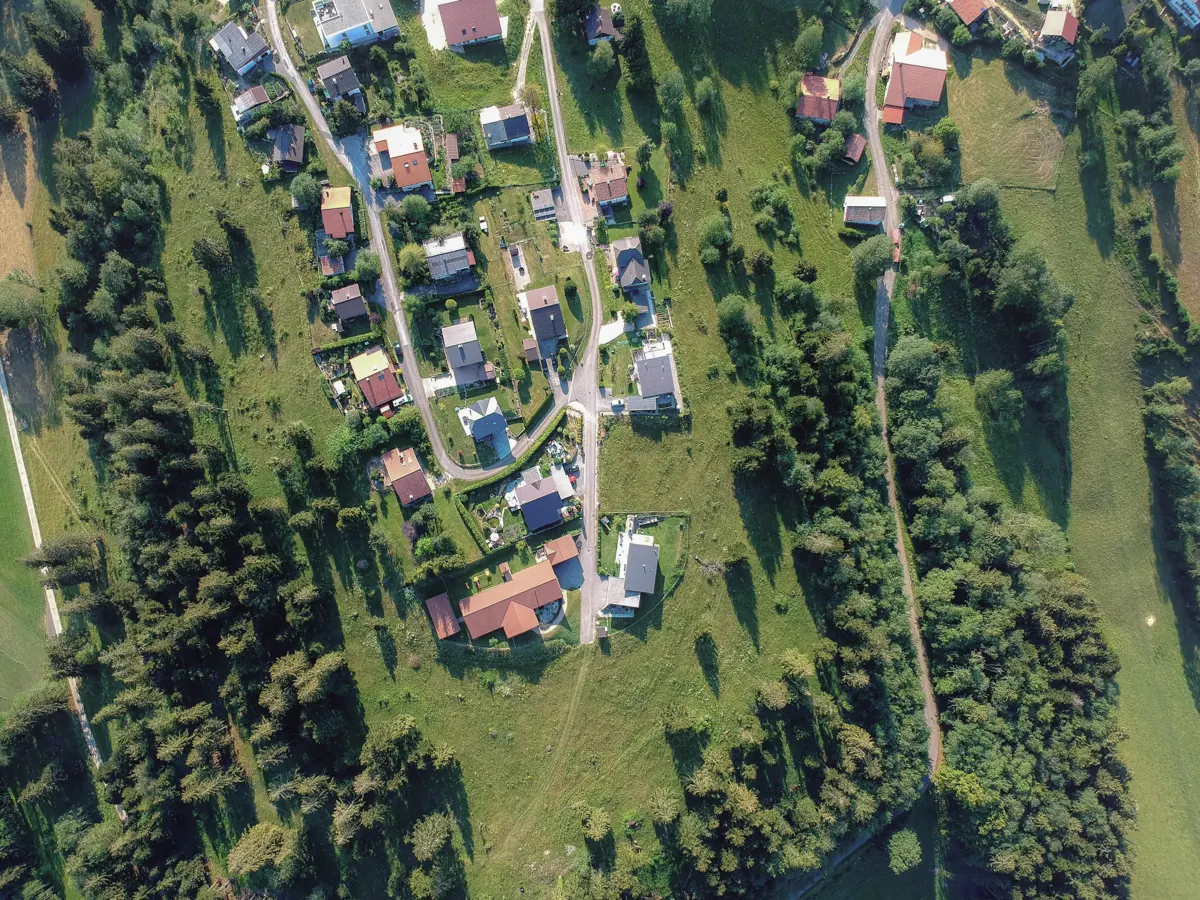
- Villages and farmland from above
- Flat, hazy midday footage that needs punch
Tips
- It is a strong look: start at 70% and adjust.
- Watch skin tones and skies in wide shots; lower the strength if they go too dark.
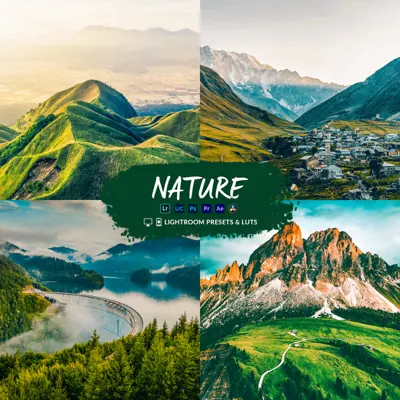
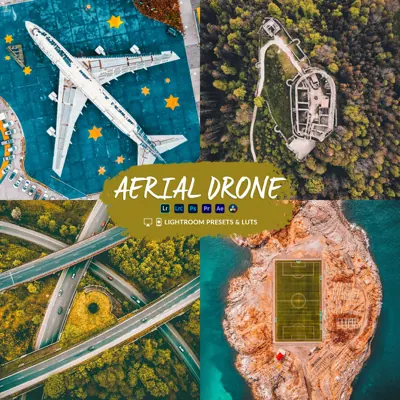
- Pairs with Nature and Aerial Drone.
More before & after

What you get
Drone HDR is one of 11 looks in the Cinematic Drone LUTs & Lightroom Presets bundle. Each look comes in 10 variations as .cube and .3dl LUTs for Premiere Pro, DaVinci Resolve, Final Cut Pro, CapCut desktop and phone editors, plus Lightroom presets (.xmp, .lrtemplate, .dng) and Capture One styles for photos. How to install them.
Shooting log? Convert to Rec.709 first: do I need a conversion LUT?
Get Drone HDR and 10 more looks
From $19.99 · instant download
Questions
What does the Drone HDR LUT look like?
High-contrast, high-detail grade that brings out forests, roads and texture. See the before and after examples on this page.
Does Drone HDR work on my drone footage?
Yes. It works on Normal (Rec.709) footage from any drone or camera. If you shot in a log profile such as D-Log or D-Log M, convert it to Rec.709 first, then apply Drone HDR.
Is Drone HDR a LUT or a Lightroom preset?
Both. The Cinematic bundle includes Drone HDR as .cube and .3dl LUTs for video editors and as Lightroom presets (.xmp, .lrtemplate, .dng) for photos, in 10 variations.