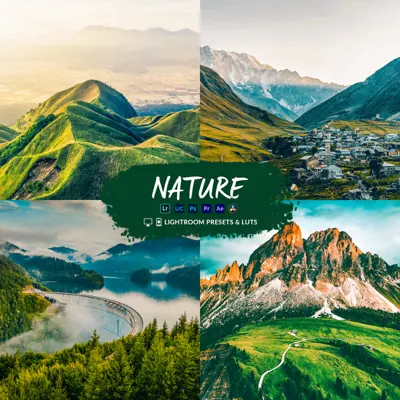
Drone LUT & Lightroom preset
Aerial Drone
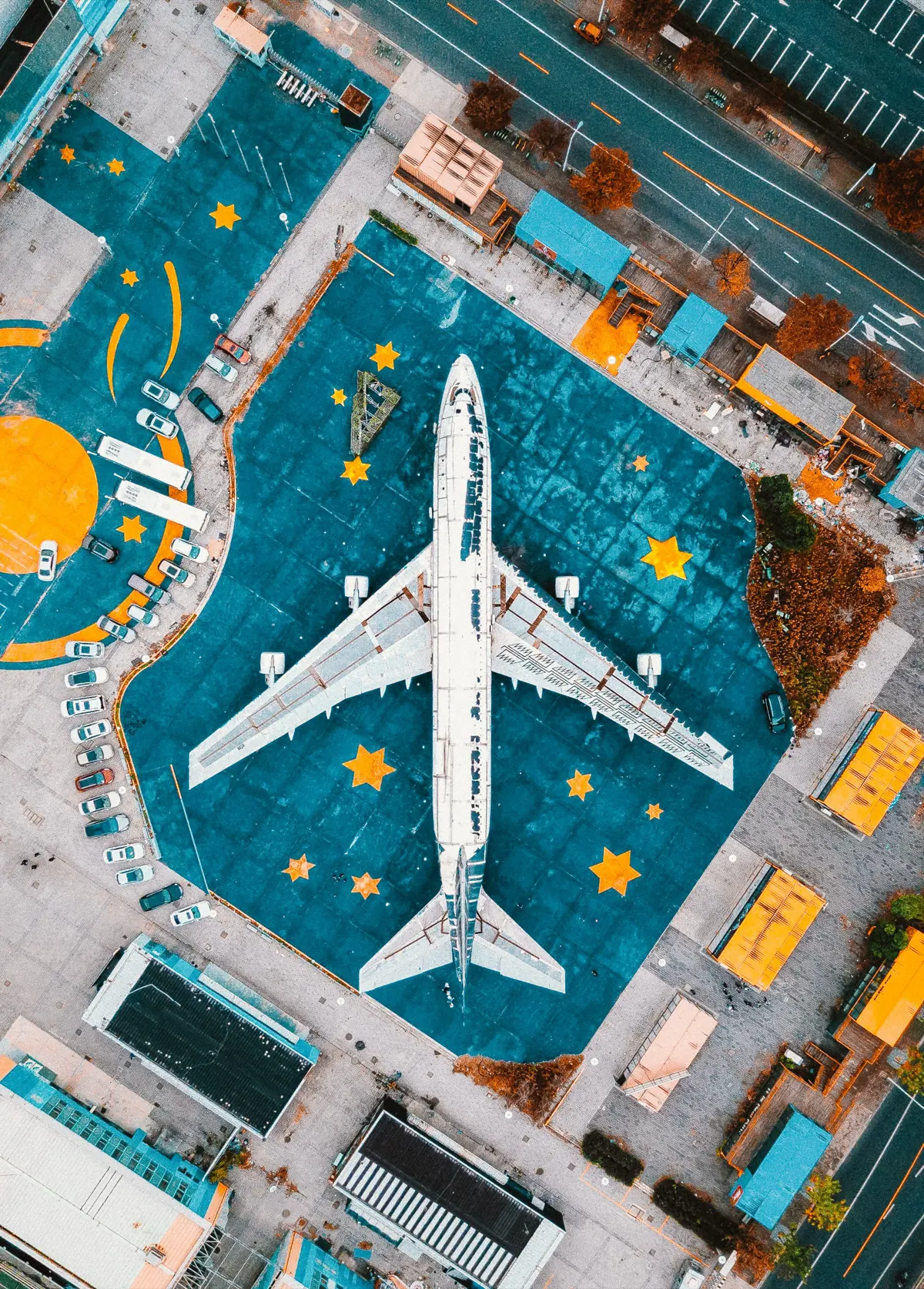
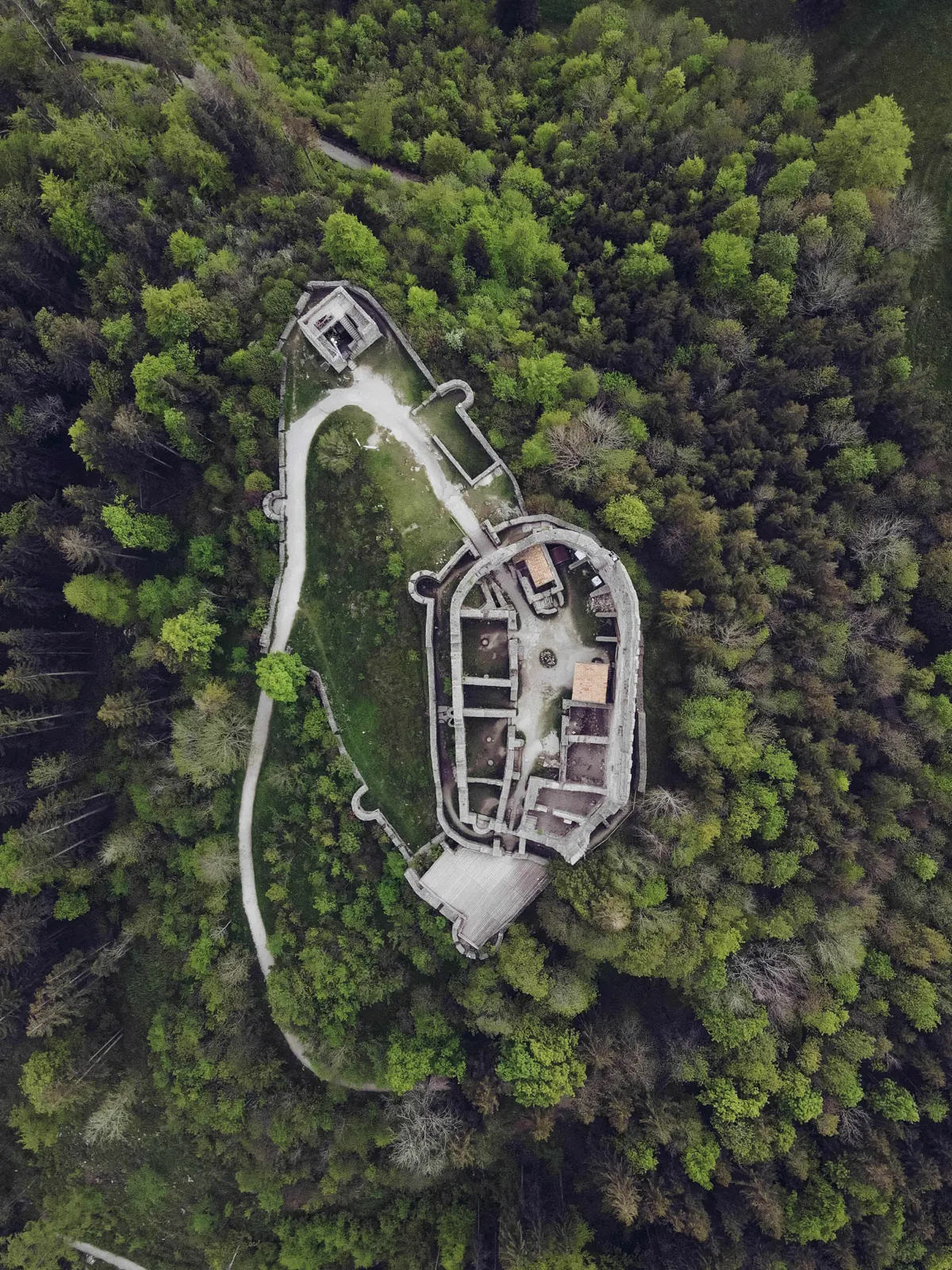
Aerial Drone is the all-rounder. It warms foliage towards gold, adds contrast and keeps blues rich, so top-down landscapes, roads and coastlines look crisp without looking processed.

Best for
- Top-down forests, fields and roads
- Coastlines and beaches
- Airports, stadiums and graphic patterns
- Autumn colour
Tips
- A good first look to try on any clip.
- Works on Normal (Rec.709) footage straight from the drone.
- Lower the strength on very green spring footage if it turns too yellow.
More before & after


What you get
Aerial Drone is one of 11 looks in the Cinematic Drone LUTs & Lightroom Presets bundle. Each look comes in 10 variations as .cube and .3dl LUTs for Premiere Pro, DaVinci Resolve, Final Cut Pro, CapCut desktop and phone editors, plus Lightroom presets (.xmp, .lrtemplate, .dng) and Capture One styles for photos. How to install them.
Shooting log? Convert to Rec.709 first: do I need a conversion LUT?
Get Aerial Drone and 10 more looks
From $19.99 · instant download
Questions
What does the Aerial Drone LUT look like?
Clean, punchy colour for top-down landscapes, fields and coastlines. See the before and after examples on this page.
Does Aerial Drone work on my drone footage?
Yes. It works on Normal (Rec.709) footage from any drone or camera. If you shot in a log profile such as D-Log or D-Log M, convert it to Rec.709 first, then apply Aerial Drone.
Is Aerial Drone a LUT or a Lightroom preset?
Both. The Cinematic bundle includes Aerial Drone as .cube and .3dl LUTs for video editors and as Lightroom presets (.xmp, .lrtemplate, .dng) for photos, in 10 variations.