Drone LUT & Lightroom preset
The Faded
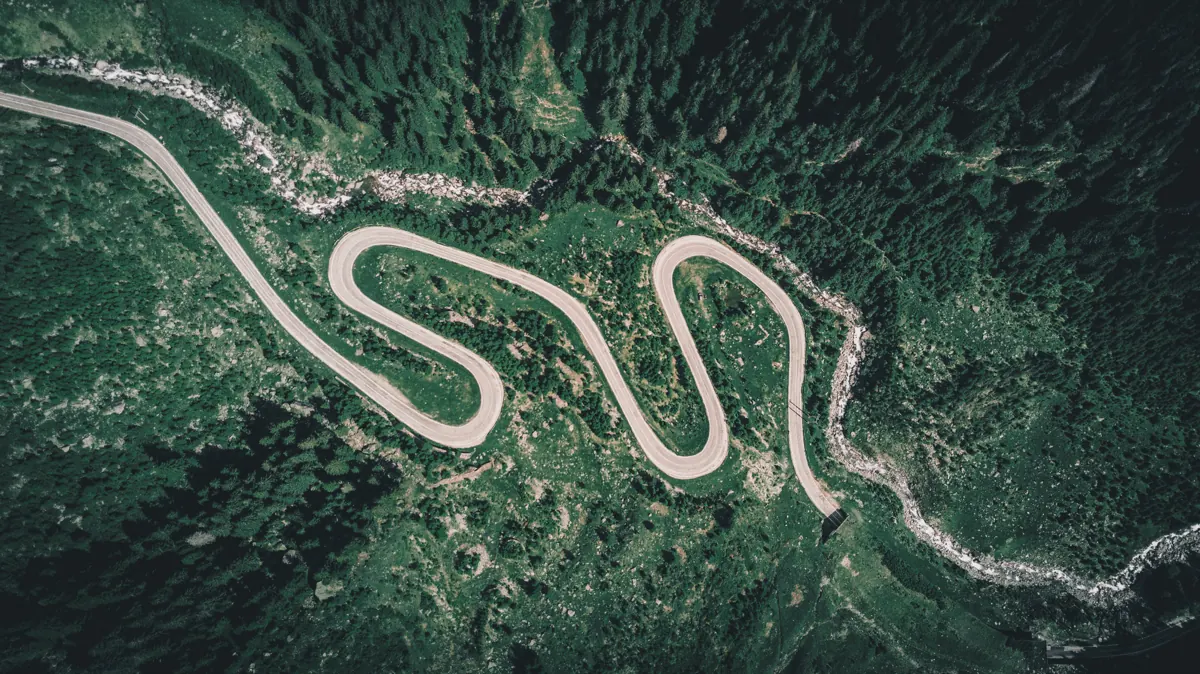
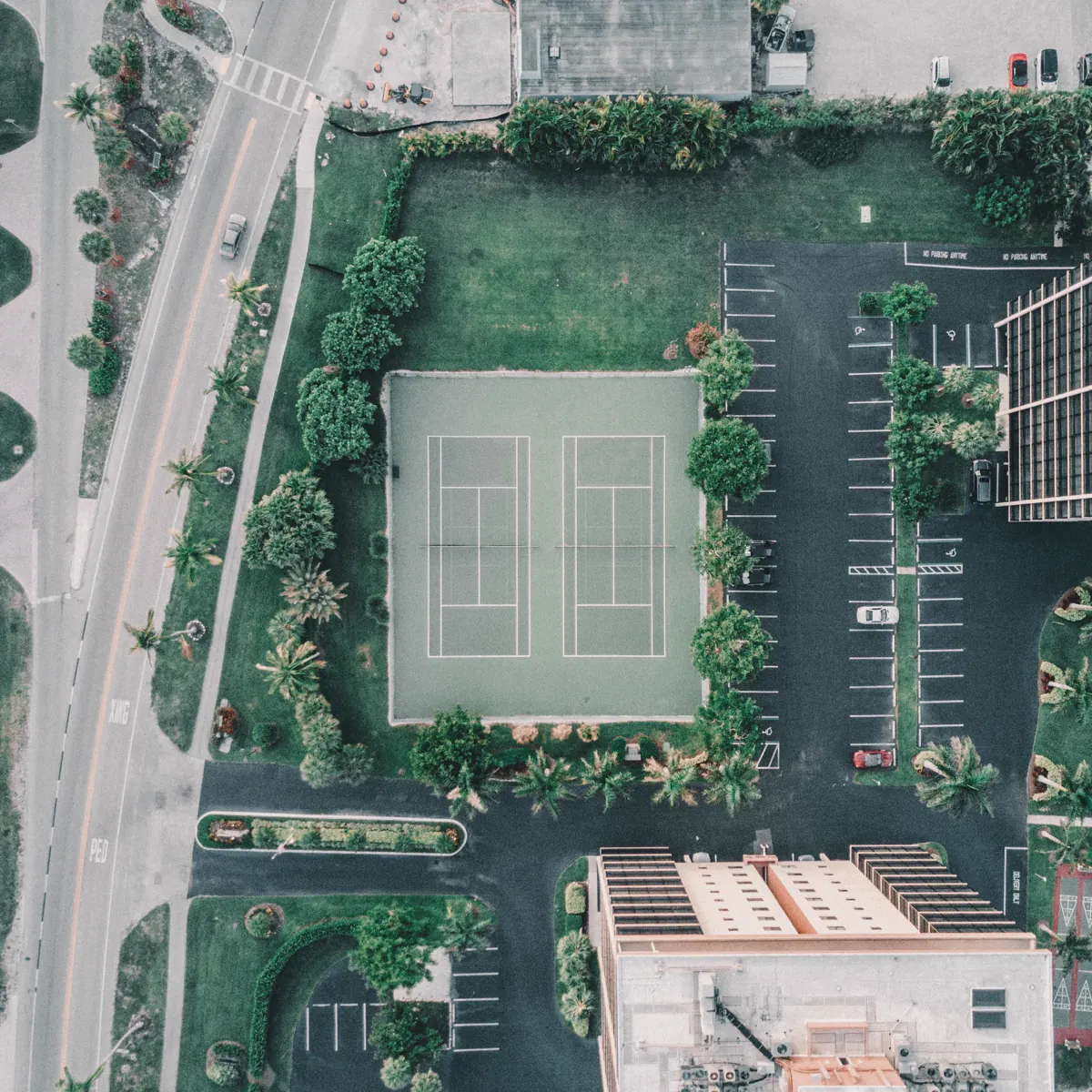
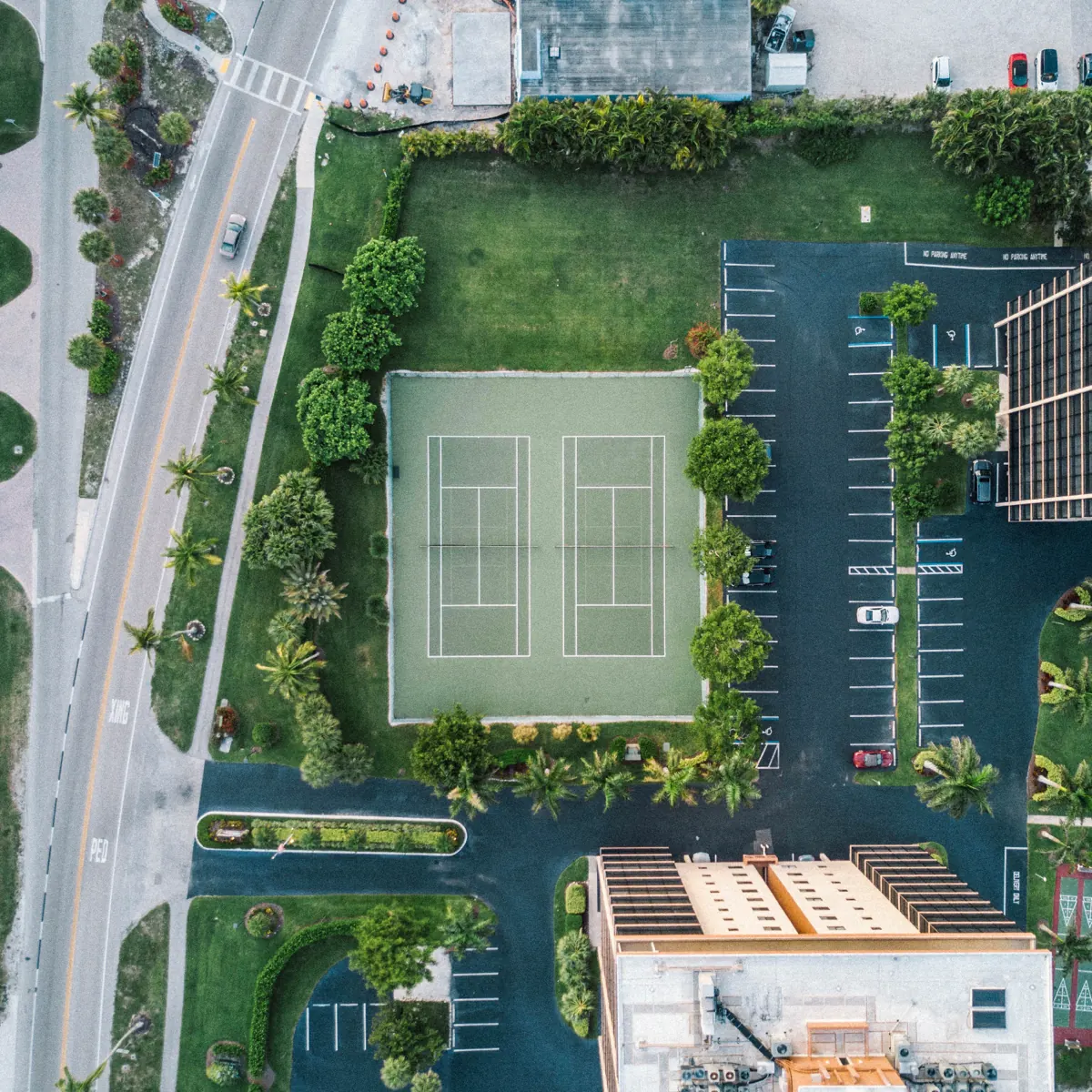
The Faded is soft and muted. Greens turn darker and calmer, colours fade back and the image feels gentle and vintage, for slow, reflective edits.

Best for
- Forests and winding roads
- Autumn and winter scenes
- Slow travel and lifestyle edits
- Footage you want to feel calm
Tips
- Works well with slow, smooth camera moves.
- Pairs with Cinemagic and Moody Drone.
More before & after


What you get
The Faded is one of 11 looks in the Cinematic Drone LUTs & Lightroom Presets bundle. Each look comes in 10 variations as .cube and .3dl LUTs for Premiere Pro, DaVinci Resolve, Final Cut Pro, CapCut desktop and phone editors, plus Lightroom presets (.xmp, .lrtemplate, .dng) and Capture One styles for photos. How to install them.
Shooting log? Convert to Rec.709 first: do I need a conversion LUT?
Get The Faded and 10 more looks
From $19.99 · instant download
Questions
What does the The Faded LUT look like?
Soft, lifted blacks and muted greens for a calm vintage feel. See the before and after examples on this page.
Does The Faded work on my drone footage?
Yes. It works on Normal (Rec.709) footage from any drone or camera. If you shot in a log profile such as D-Log or D-Log M, convert it to Rec.709 first, then apply The Faded.
Is The Faded a LUT or a Lightroom preset?
Both. The Cinematic bundle includes The Faded as .cube and .3dl LUTs for video editors and as Lightroom presets (.xmp, .lrtemplate, .dng) for photos, in 10 variations.